Download Bons App for Android APK and iOS
The Bons app gives Indian players fast mobile access to casino games, live dealers, cricket betting, esports, bonuses and account payments from one phone screen. The download is free, the APK file is light, and the same login works on Android, iOS and desktop.
Use the app if you want quicker loading, one tap access, INR payment methods and match notifications without opening a browser each time. New players can register in the app, enter a promo code, make the minimum deposit shown at checkout, and claim the 200% first-deposit bonus after account verification.
Download Android APK Create Account
| App Name | Bons App |
| Licensee | Owl In N.V. |
| APK Version | 2.6.4 |
| File Size | 48 MB |
| Price | Free download |
| Android | Android 6.0 or later |
| iOS | iOS 12.0 or later through Safari shortcut |
| Languages | English, Hindi |
| Payments | UPI, Paytm, PhonePe, NetBanking, cards, crypto |
| License | Curacao licence OGL/2024/774/0362 for Owl In N.V. |
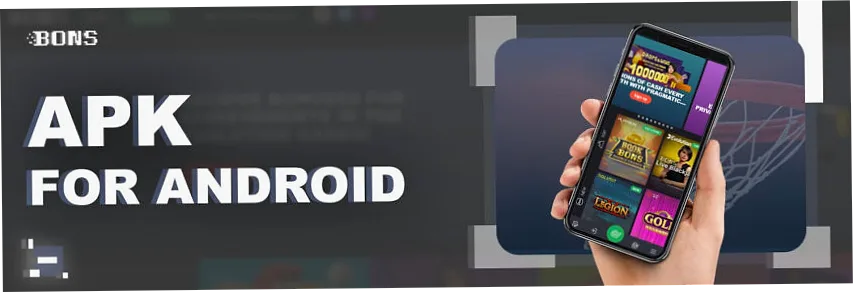
What You Get Inside the App
The mobile version keeps the full Bons account in your pocket. You can switch from slots to live betting, check your balance, add funds, request withdrawals and contact support without losing the current session.
Casino and Slots
Open 2,000+ games, with 87 studios in the game selector, including video slots, jackpots, crash games, roulette, blackjack, baccarat, Teen Patti and Andar Bahar. Start from the casino page or go straight to slots.
Sports and Cricket
Place bets on cricket, football, tennis, kabaddi, basketball and esports. Live odds, match markets, bet slips and cash out tools are easier to check on a compact mobile screen. Cricket players can start from the cricket section.
Live Casino
Live dealer tables load in HD with portrait and wide phone views. Evolution Gaming, Ezugi and Pragmatic Play titles include roulette, baccarat, blackjack, Crazy Time and Indian card games. See more on live casino.
Fast INR Payments
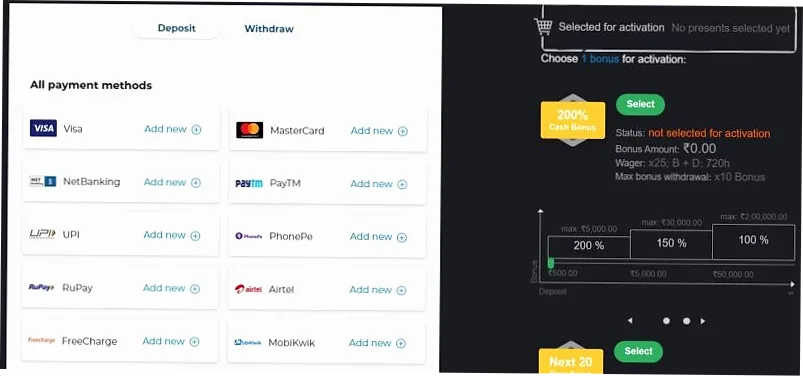
Deposit money through UPI, Paytm, PhonePe or NetBanking. The cashier shows limits, amount fields, transaction status and withdrawal history in one place. Payment details are listed on payment methods.
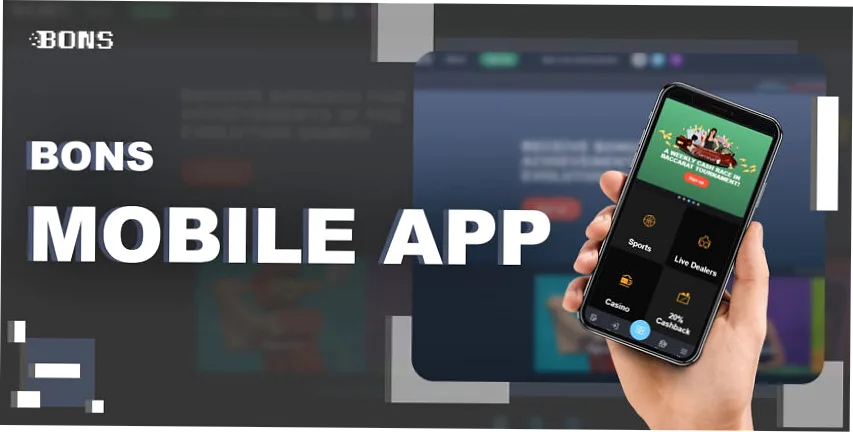
Main Benefits for Indian Players
The strongest reason to use the Bons app is speed. Indian players often move between UPI payments, live cricket odds, slot sessions and bonus checks during short breaks. A saved app icon removes the need to type the address, wait for browser suggestions, or search for the correct login button again.
The app also keeps important account actions close together. You can check a deposit, open the bet slip, read bonus terms, return to a live dealer table and request support from the same mobile flow. That matters when a match is live or when a casino round needs quick decisions.
Fast Start
Open Bons from the phone screen, login, and continue from the last used area. Regular users save time on every session, especially during IPL matches and live casino events.
Mobile First Layout
Buttons, filters, bet slips, cashier fields and game tiles are sized for touch. The layout is easier to use with one hand than a desktop page squeezed into a phone browser.
Local Payments
UPI, Paytm, PhonePe and NetBanking are visible in the cashier. The amount field, transaction status and payment method notes are easy to read before confirmation.
Match and Bonus Alerts
Account notifications can remind you about selected sports events, bonus expiry, cashier status and app updates. Keep only the alerts you actually need.
Games Made for Touch
Crash games, slots, blackjack, roulette and Teen Patti tables work well on phones because the main controls stay close to the thumb area.
Account History
Deposits, withdrawals, bonus activity and betting history are easier to check in short mobile sessions. This helps you track funds and avoid guessing.
Android APK Download Steps
The Android APK is the best choice when you want direct access without waiting for an app store listing. Use a stable internet connection, keep at least 100 MB free storage, and download the APK only from Bons pages.
Open the download page
Visit Bons from your Android phone and tap the app download button. The APK file starts saving to your device.
Allow install access
Android may ask for permission to install from the browser. Enable it for this download, then return to the file.
Install the APK
Tap the APK file, press Install, and wait for the progress bar to finish. The Bons icon appears on your screen.
Login or register
Enter your phone number or email, password and account details. New users can finish registration inside the app.
Add funds and play
Choose UPI, Paytm, PhonePe or another method, enter the amount, confirm the payment and start with casino or sports.
Android Device Requirements
| OS | Android 6.0 or later |
| RAM | 2 GB recommended |
| Storage | 100 MB free space |
| Internet | 4G, 5G or Wi-Fi |
| Devices | Samsung, Xiaomi, Vivo, Oppo, Realme, OnePlus, Motorola |
Safe APK Checks
Check that the APK file name matches Bons, avoid copied links from chats, and update only when the app prompts you or when the download page shows a newer version. If Android blocks the install, delete the file and download it again from Bons.
iOS App Access for iPhone and iPad
On iOS, Bons works through Safari as a home screen shortcut. This gives iPhone players quick app style access without an APK file. The shortcut keeps your login flow, cashier, bonuses, sports betting and casino lobby close to the same mobile layout.
Open Bons in Safari
Use Safari on iPhone or iPad. Other browsers may hide the add to home screen button.
Tap Share
Press the share icon at the bottom of Safari and scroll until you see Add to Home Screen.
Add the shortcut
Confirm the Bons name, tap Add, then open the new icon from your iPhone screen.
Login and verify
Enter your account login, complete any phone or email verification, then check your balance.
| iPhone OS | iOS 12.0 or later |
| iPad | Safari browser recommended |
| Storage | No APK storage needed |
| Notifications | Browser and account notification settings |
| Best For | Fast access without installing a separate file |
Mobile Game Quality and Performance
The Bons app is built around short loading paths. A player can move from the lobby to a slot, live dealer table or sports event without opening extra tabs. This is important on mobile data because every extra screen can add delay during a live match or a dealer round.
Slots from providers such as Pragmatic Play, NetEnt, Play'n GO, Red Tiger and BGaming usually load quickly after the first session. Live casino tables need stronger internet because the video feed, dealer audio, betting timer and table controls run at the same time. If the stream feels unstable, switch to Wi-Fi or close other apps before joining a high value round.
Sports betting pages focus on fast odds updates. Cricket markets can change after every ball, so check stake amount, bet type and selected market before pressing the final button. If odds move while you are confirming the bet, the app may ask you to accept the new price.
Best App Use Cases
| Slots | Fast spins, free spins, jackpots and provider filters |
| Live Casino | Roulette, blackjack, baccarat, Crazy Time and Indian tables |
| Cricket | Live odds, prematch markets, IPL events and bet slips |
| Cashier | UPI deposits, withdrawal requests and transaction checks |
| Bonuses | Welcome bonus, reload offers, cashback and wagering status |
Connection Tips
Use 4G, 5G or Wi-Fi for live dealer games and in-play betting. Keep battery saver off during long sessions because it can slow video and odds refresh. If a game freezes, wait for the round result before reopening it so the account balance can sync correctly.
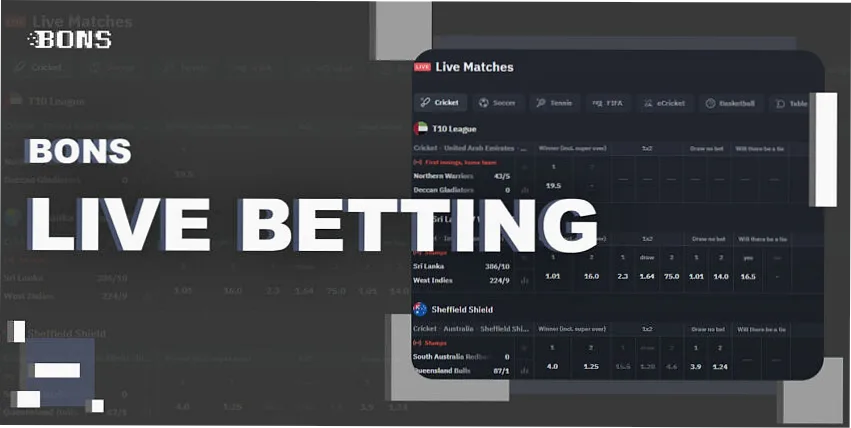
Register and Login in the App
New players can create an account in the mobile app in a few steps. You need to enter a phone number or email, set a password, choose INR as currency, add personal details and confirm the verification code. If you have a promo code, enter it before the first deposit so the bonus can attach to your account.
Create an account
Tap Registration, fill the form, select currency and confirm your phone number or email address.
Add promo code
Enter the promo code field if you have one. Check Bons promo code before the first payment.
Complete verification
Upload documents only if the account team asks for KYC after registration or before a withdrawal.
Login later
Use email or phone plus password. If you forget it, tap password recovery and follow the code sent by Bons.
For a fuller account setup path, use the registration page. It explains the form, verification, login button, phone number, email and common mistakes for Indian players.
App Bonuses and Promo Code
The app uses the same bonus wallet as the desktop and mobile website. A player can claim the welcome bonus, reload offers, cashback, free spins and tournament rewards from the phone after meeting the offer terms.
Welcome Bonus
The first deposit bonus is available in the app after registration. Check wagering, minimum deposit, maximum bonus amount and expiry time before you start.
Free Spins
Free spins may apply to selected slot games from Pragmatic Play, NetEnt or other providers. The app bonus page shows eligible games and spin value.
Sports Offers
Match odds boosts, bet insurance and accumulator offers can appear during IPL, football and tennis events. Terms vary by event and market.
See all current offers on Bons bonuses. If an offer needs a code, check promo code before making the first deposit.
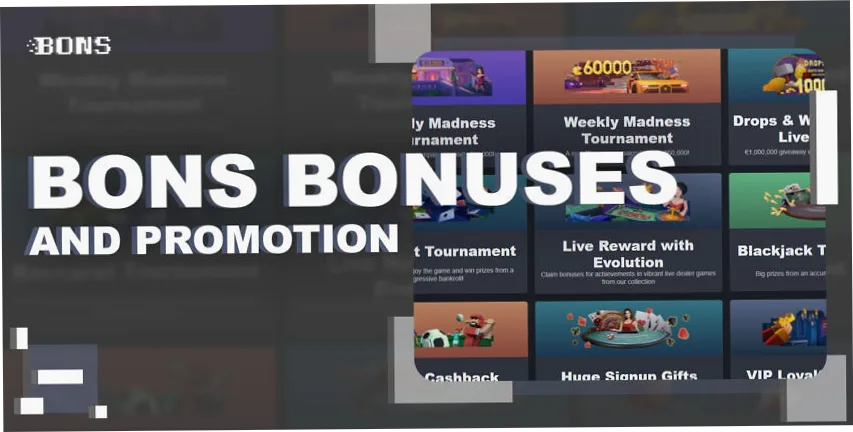
Deposits, Withdrawals and Account Money
The app cashier is built for fast Indian payment methods. UPI deposits are usually instant, while withdrawals depend on account checks, payment method and bank processing time. Keep the name on the payment account close to your Bons account name to avoid extra checks.
| Method | Deposit | Withdrawal | Notes |
|---|---|---|---|
| UPI | ₹500 | From ₹500 | Fast INR payments through local apps |
| Paytm | ₹500 | From ₹500 | Good for small and regular amounts |
| PhonePe | ₹500 | From ₹500 | Common choice for mobile transactions |
| NetBanking | Bank limit applies | Bank limit applies | Good for larger transfer amounts |
Read the full payment rules on payment methods. Before a withdrawal, check bonus wagering, KYC status, minimum withdrawal and maximum daily limits.
Mobile Website vs Bons App
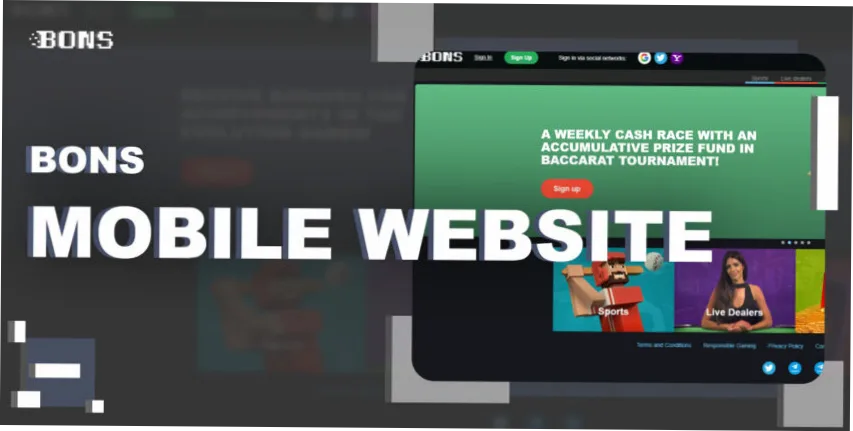
Both mobile options open the same account, games, sportsbook and cashier. The app is better for regular players who want faster access and fewer taps. The mobile website is better for a first visit or for players who do not want an APK file on the device.
| Feature | Bons App | Mobile Website |
|---|---|---|
| Access | Tap the app icon | Open browser and type URL |
| Android | APK install | No file needed |
| iOS | Safari shortcut | Safari browser |
| Games | Casino, slots, live casino, sports | Same game selection |
| Payments | UPI, wallets, cards, crypto | Same payment methods |
| Best Use | Daily play and live betting | Quick check without install |
Security, Privacy and Verification
The app uses the same account checks as the Bons website. Login details, cashier actions and personal data should be handled only through the Bons domain and app download flow. Never send passwords, OTP codes, card details or document photos to social media accounts that claim to represent the brand.
KYC can be requested before a withdrawal, after unusual payment activity or when account details do not match. Prepare a government ID, a payment proof and a clear account name match if the support team asks for verification. This can reduce delays when you request money back to a bank or wallet.
For account safety, use a unique password, keep your phone locked, avoid shared devices and log out after playing on a borrowed phone. If you think someone else opened your account, change the password and contact support before making another deposit.
Licensed Operator
Curacao licence OGL/2024/774/0362 for Owl In N.V. is listed for Bons. Licensing details also appear on the footer pages.
Password Care
Use a unique password and reset it from the app if the login page shows failed attempts.
KYC Documents
Upload documents only inside the account area when Bons asks for verification.
Email Support
Use support@bons.com for account questions, app errors and payment checks.
PC and Desktop Access
There is no separate Windows or macOS app. Desktop players should use the Bons website in Chrome, Edge, Firefox or Safari. The same account balance, bonuses, withdrawal requests and betting history stay available across desktop and mobile.
If you move from desktop to the app, finish any open bet slip or live game round first. Then login on the phone, check the account balance, and continue from the casino lobby, live casino or sportsbook. For live betting, use a strong connection because odds can move quickly during cricket and football events.
Updates and Troubleshooting
The app may ask you to update when Bons releases a new APK version. Updating keeps payment screens, game providers, odds feeds and security checks current. If an old version stops loading, remove it, download the latest APK, and login again.
Update Failed
Delete the old APK, restart the phone, download again and install the new version.
Login Error
Check phone number, email and password. Use password recovery if the account will not open.
Slow Loading
Switch between Wi-Fi and mobile data, close unused apps and clear browser or app cache.
Support
Use live chat or email support@bons.com. More contact options are on support.
Bons App FAQ
Yes. The Android APK download is free, and iOS players can add a Safari shortcut without paying for the file or shortcut.
Yes. One Bons account works on Android, iOS and desktop. Balance, bonuses, bets and withdrawal status stay linked to the same account.
The minimum deposit is ₹500. The cashier shows the exact minimum and maximum amount for each payment method before you confirm the transaction.
Yes. UPI, Paytm, PhonePe and NetBanking are available for many Indian players, depending on account status and current cashier options.
Yes. Register, add a promo code if needed, deposit from the cashier and check the bonus page before playing. The public welcome ladder listed a 200% first-deposit bonus with 25x wagering when checked on 27 July 2026. The displayed cap and minimum depend on the currency and campaign shown at checkout.
Android can block APK files from browser downloads by default. Allow install access for the browser, install the Bons file, then turn the permission off again if you prefer.
No. APK files are for Android. iPhone and iPad players should use Safari and add Bons to the home screen.
Use live chat inside Bons or email support@bons.com. For site-level contact details, open the support page.
Responsible Gaming
Bons is for players aged 18 and over. Treat gambling as paid entertainment, not as a way to earn income. Set deposit limits, avoid chasing losses, take breaks during long sessions, and use cooling off or self exclusion tools when needed. If gambling stops feeling controlled, contact GamCare or Gambling Therapy for help.